

Reprise
Reprise is the page you send after the show. It remembers every WebinarFuel delivery, hands each registrant their own links at the ticket window, and counts down to the moment the replay comes down.
About this template
Overview
Reprise is the page you send after the show. It remembers every WebinarFuel delivery, hands each registrant their own links at the ticket window, and counts down to the moment the replay comes down.
What you get
- Email lookup that checks the app's stored webhook payloads first and falls back to the WebinarFuel API, with a friendly not-found state
- A house-clock countdown to replay expiry and a printed-programme offer insert with configurable copy and link
- A webhook receiver accepting both WebinarFuel event vocabularies, with optional token
- An owner admin: Connect-your-WebinarFuel notes with the hook URL, page settings, and a ledger of who claimed their replay
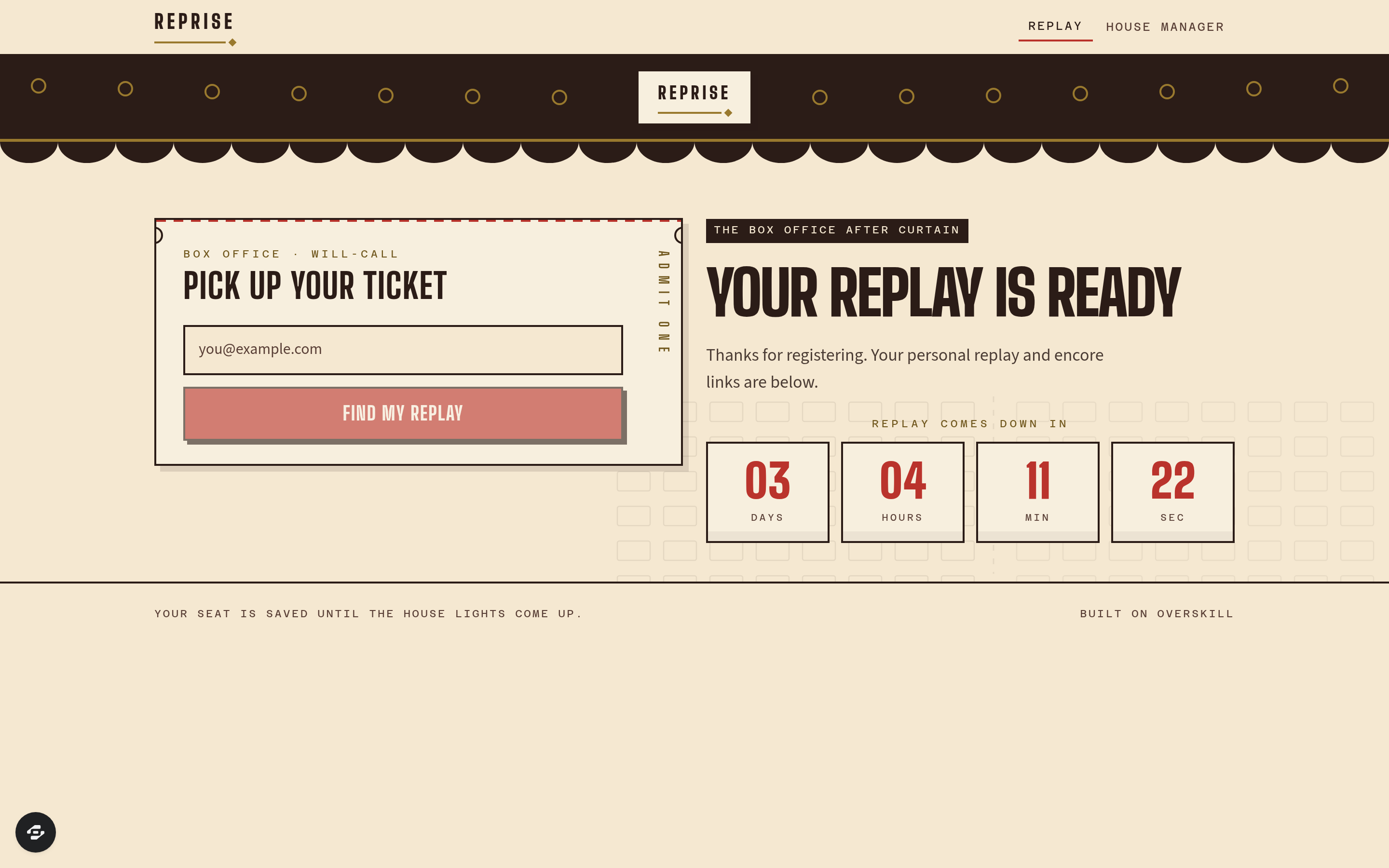
- Drawn marquee canopy, ticket-stub perforations and seating-plan motif; Big Shoulders Display / Source Sans 3 / Azeret Mono; footer attribution
The signature screen
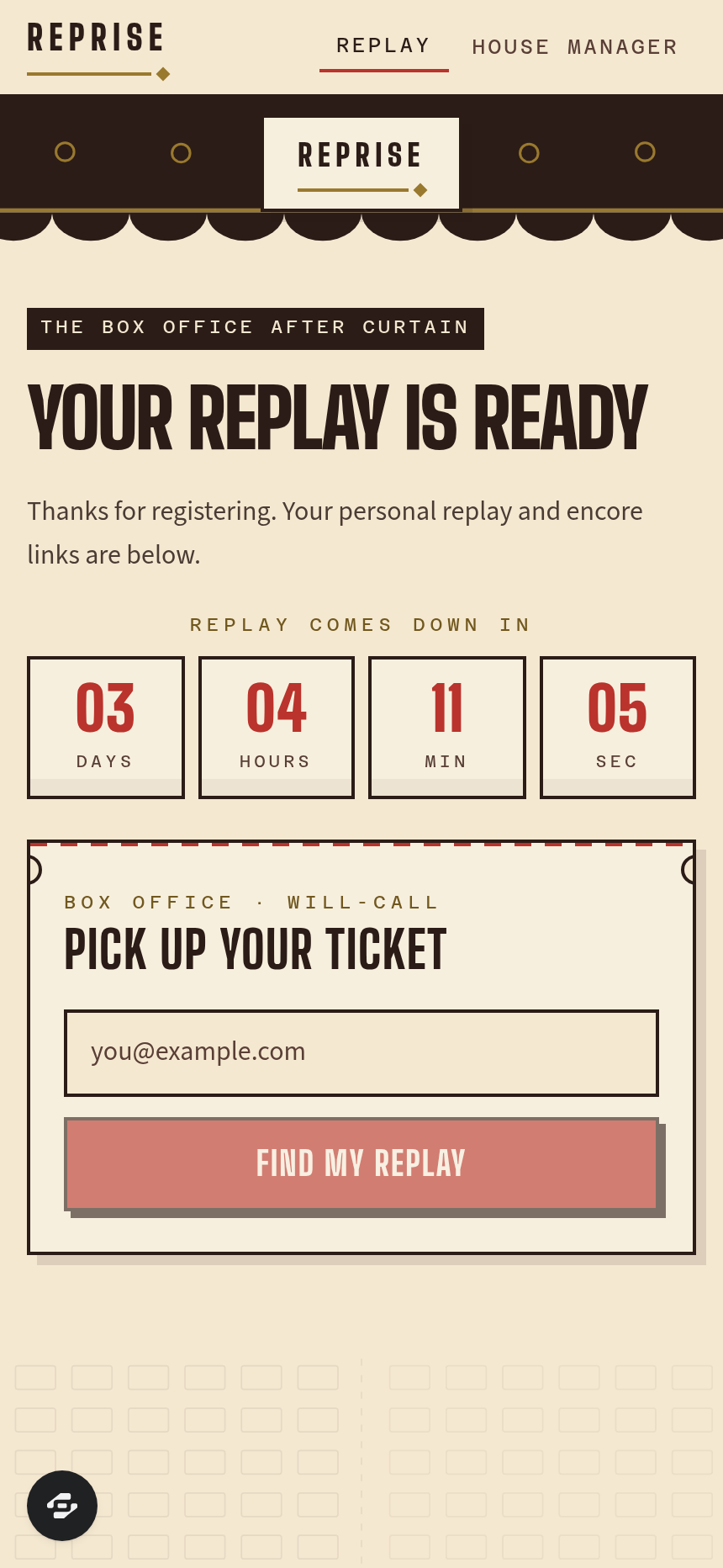
The ticket window: the will-call plate with the email field and Find my replay beside the headline and the four-cell house clock, under the marquee.
Who it's for
Anyone running a WebinarFuel webinar with a replay window and an offer that closes. Setup: WEBINARFUEL_API_KEY, optional WEBINAR_ID and WEBINARFUEL_HOOK_TOKEN.
Design
- Type pairing
- Big Shoulders Display display Source Sans 3 body
- Palette
-
-
#F5E9D3 -
#2A1B16 -
#B8322B -
#9A7A2E
-
- Motion
- live countdown digits + hover on ticket stubs (reduced-motion safe, no bulb loop)
- Signature screen
- The ticket window — full-bleed drawn marquee with an off-centre will-call plate
- References
-
- 1930s picture-palace box office × ticket-stub typography
Frequently asked questions
What is the Reprise template?
Who is the Reprise template for?
How long does it take to build an app with the Reprise template?
Do I need to code to use the Reprise template?
How much does the Reprise template cost?
Can I customize the Reprise template?
Review current pricing and the template inspection guide before you start.
Related templates
 Business
Blueprint
Contractor sales pipeline that lives on the job site
 Business
Mandate
High-ticket executive coaching, built to close.
 Business
Bossbabe: Booked-Out Studio
A client-booking app for coaches + service providers, running on rhythms — editorial feminine-luxe.
 Business
Voyage
Curated journeys, planned just for you.
Make this template your starting point.
Inspect the preview, plan your changes, and test the workflow before you share it.
Use this template