

Turnout
Turnout receives WebinarFuel's automation webhooks and moves each person up the board the moment it happens. The public page is a seeded sample board; sign in and the same board runs on your live pipeline.
About this template
Overview
Turnout receives WebinarFuel's automation webhooks and moves each person up the board the moment it happens. The public page is a seeded sample board; sign in and the same board runs on your live pipeline.
What you get
- A webhook receiver that accepts both WebinarFuel event vocabularies (rule-trigger names and documented names), with an optional shared token
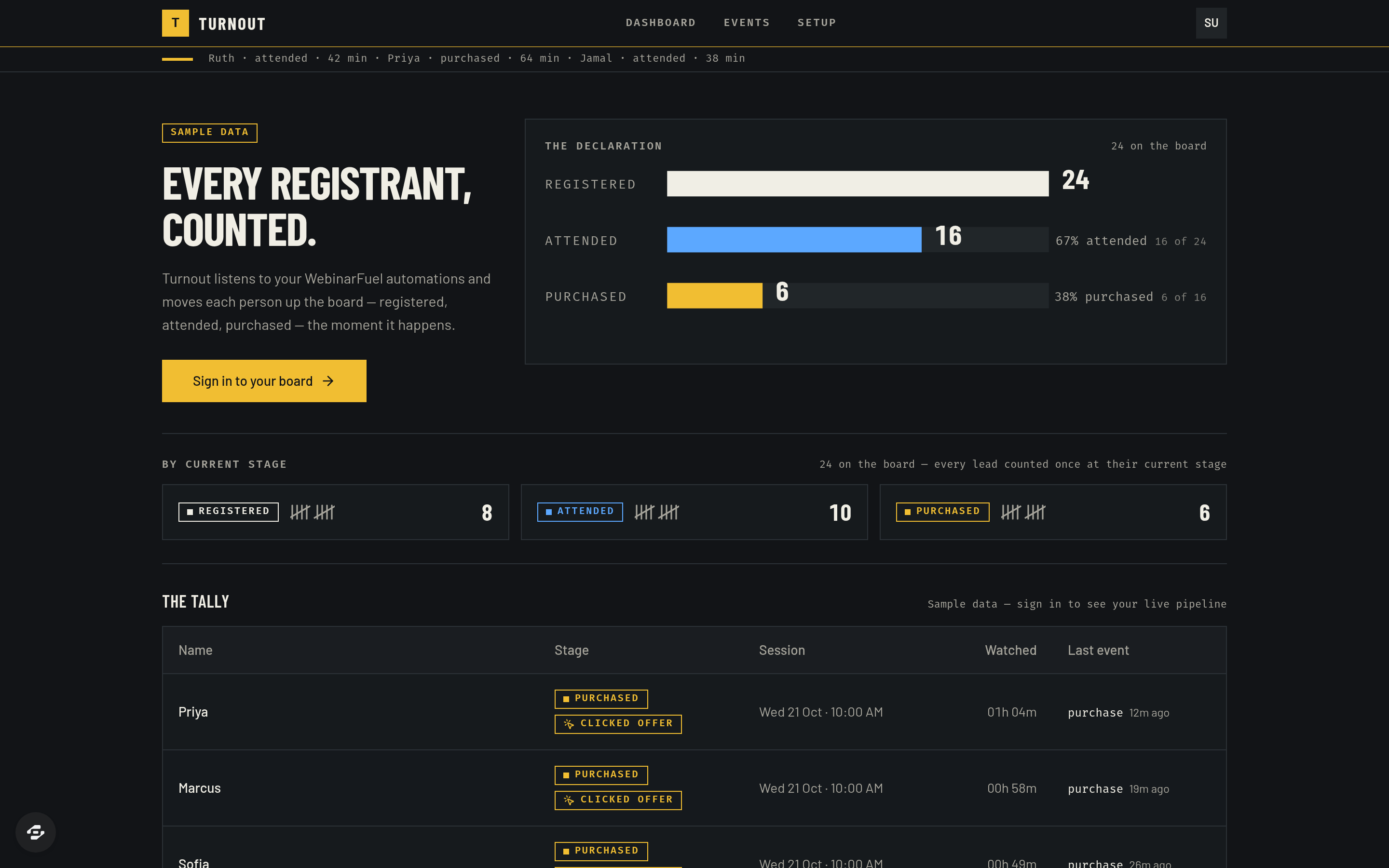
- A live owner dashboard: declaration bars, stage tiles, filters, search, a lead side-panel with its event timeline, inline notes, and Backfill from WebinarFuel
- An event log with raw payloads and a Setup page that shows the exact hook URL to paste into WebinarFuel Automations, plus a Send-a-test-event button
- A public, seeded sample board so the template is readable before you connect anything
- Drawn declaration bars and tally marks, Barlow Condensed / Barlow / Fira Code type, footer attribution
The signature screen
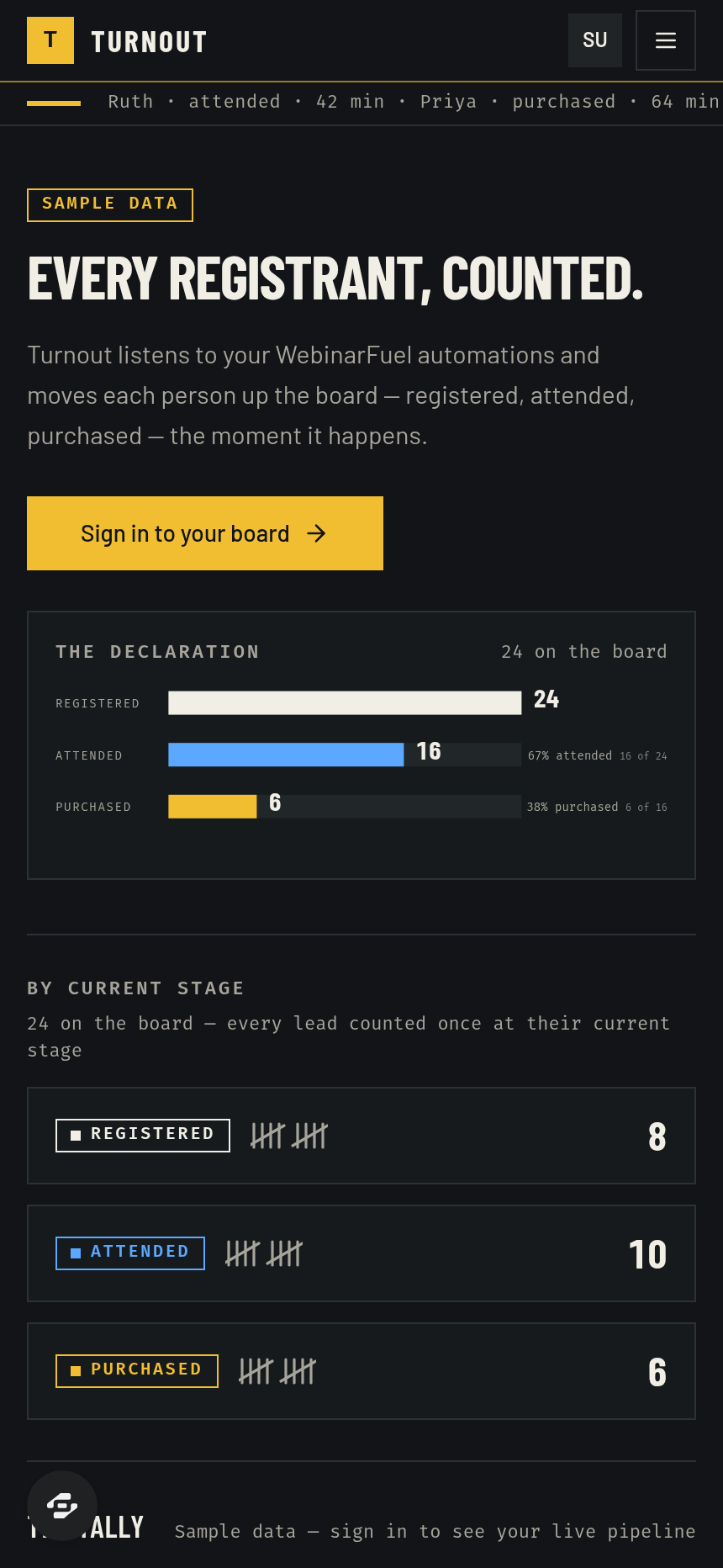
The tally board itself: a results-board header, the three-stage declaration bar computed from the leads, and the ruled tally table of names, stage pills, session times, watched duration and last event.
Who it's for
Operators who sell from webinars and want a pipeline view without a full CRM. Setup: WEBINARFUEL_API_KEY, optional WEBINAR_ID and WEBINARFUEL_HOOK_TOKEN; one Send-Webhook rule per trigger in WebinarFuel.
Design
- Type pairing
- Barlow Condensed display Barlow body
- Palette
-
-
#111417 -
#F2EFE6 -
#F2C230 -
#5CA8FF -
#A8A59C
-
- Motion
- count-up on the three headline figures at first paint (reduced-motion safe) + row hover
- Signature screen
- The tally board — product-UI-first shell with the declaration bar and the ruled lead table
- References
-
- Returning officer's tally sheet × 1970s broadcast results graphic
Frequently asked questions
What is the Turnout template?
Who is the Turnout template for?
How long does it take to build an app with the Turnout template?
Do I need to code to use the Turnout template?
How much does the Turnout template cost?
Can I customize the Turnout template?
Review current pricing and the template inspection guide before you start.
Related templates
 Business
Blueprint
Contractor sales pipeline that lives on the job site
 Business
Mandate
High-ticket executive coaching, built to close.
 Business
Bossbabe: Booked-Out Studio
A client-booking app for coaches + service providers, running on rhythms — editorial feminine-luxe.
 Business
Voyage
Curated journeys, planned just for you.
Make this template your starting point.
Inspect the preview, plan your changes, and test the workflow before you share it.
Use this template