

About this template
Overview
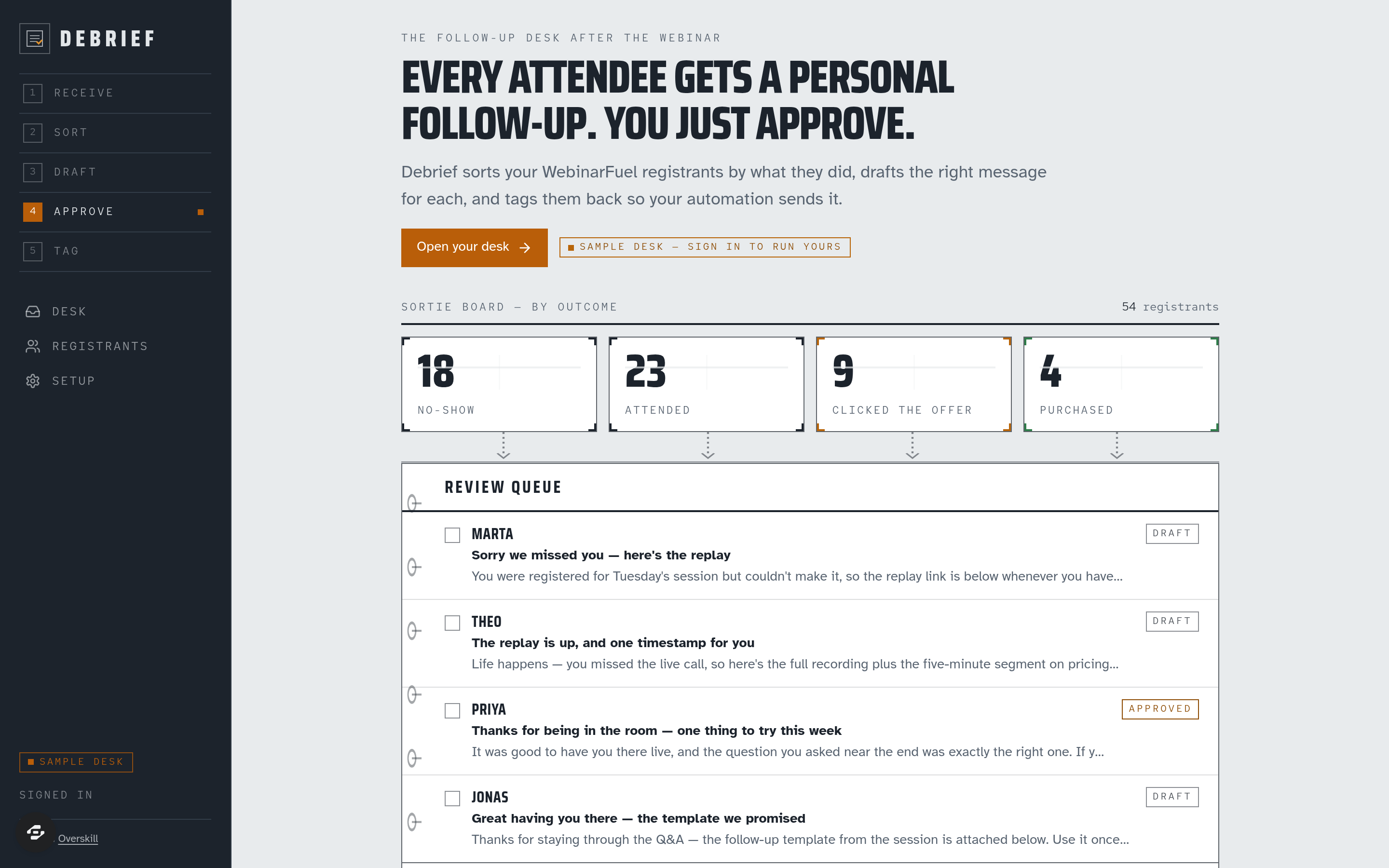
Debrief closes the loop after every session. It listens to WebinarFuel lifecycle webhooks, sorts registrants into no-show / attended / clicked the offer / purchased, drafts the right follow-up for each in your brand voice, and when you approve, writes the outcome tag back so your own WebinarFuel automation sends it. The app never sends mail.
What you get
- Outcome derivation from both WebinarFuel event vocabularies, with optional token
- AI-drafted follow-ups per registrant (subject + body, brand voice, offer link) in an editable review queue
- Approve & tag → POST /registrants/add_tags, with a retry state when WebinarFuel refuses
- A public seeded sample desk, an owner-only live desk, a registrants list and a pre-flight Setup sheet with the hook URL, brand voice, offer and tag settings
- Drawn sortie board and kneeboard queue; Saira Condensed / Atkinson Hyperlegible / Red Hat Mono; footer attribution
The signature screen
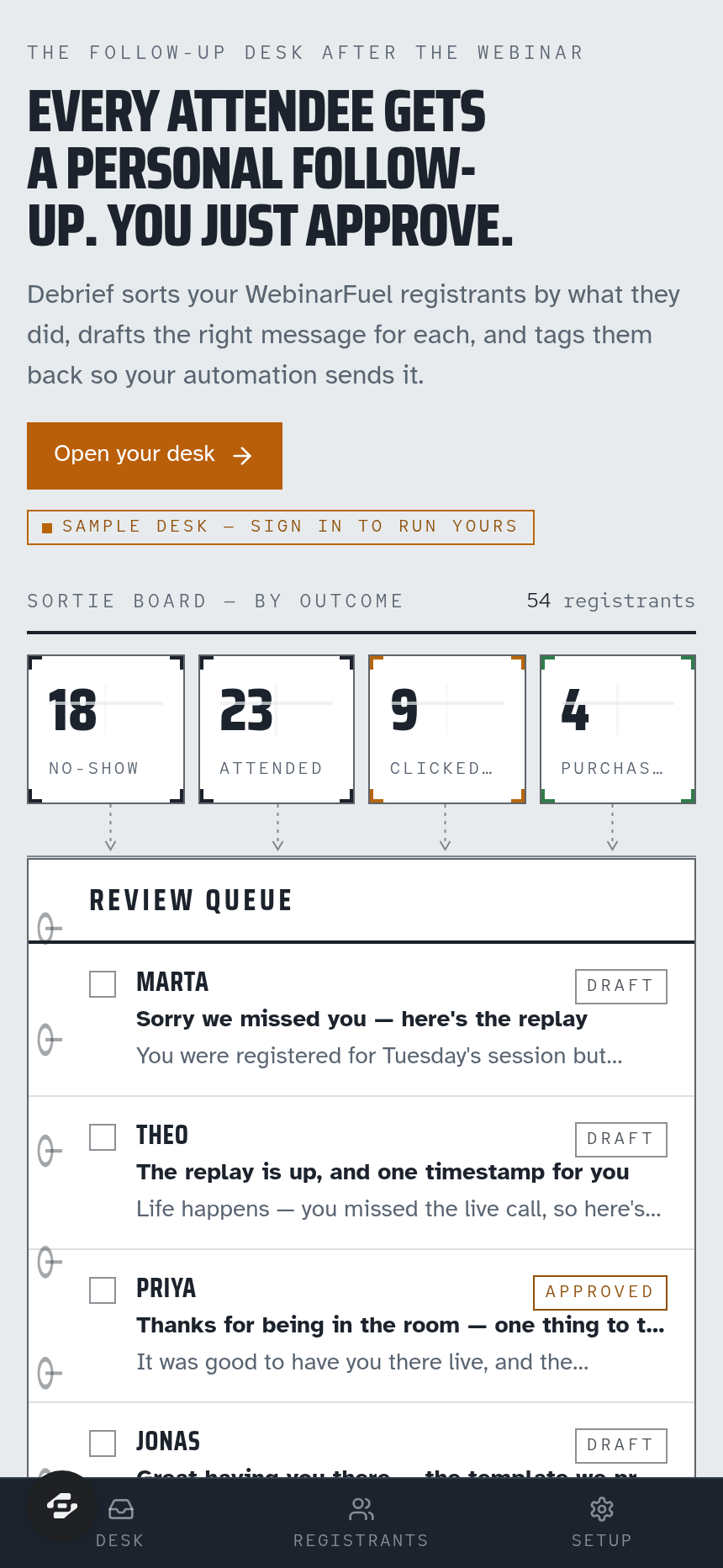
The desk: a sidebar rail with the five-step loop, the sortie board of four outcome counts that partition the total, and the kneeboard review queue beneath.
Who it's for
Webinar sellers who want a personal follow-up for every attendee without writing fifty emails. Setup: WEBINARFUEL_API_KEY, optional WEBINAR_ID and WEBINARFUEL_HOOK_TOKEN.
Design
- Type pairing
- Saira Condensed display Atkinson Hyperlegible body
- Palette
-
-
#E8EBEE -
#1B222B -
#5B6672 -
#B8650A -
#2F7D4A
-
- Motion
- row hover micro-interaction only (reduced-motion safe)
- Signature screen
- The follow-up desk — sidebar + canvas with the sortie board and kneeboard queue
- References
-
- Flight-operations debrief sheet × pilot's kneeboard
Frequently asked questions
What is the Debrief template?
Who is the Debrief template for?
How long does it take to build an app with the Debrief template?
Do I need to code to use the Debrief template?
How much does the Debrief template cost?
Can I customize the Debrief template?
Review current pricing and the template inspection guide before you start.
Related templates
 Business
Blueprint
Contractor sales pipeline that lives on the job site
 Business
Mandate
High-ticket executive coaching, built to close.
 Business
Bossbabe: Booked-Out Studio
A client-booking app for coaches + service providers, running on rhythms — editorial feminine-luxe.
 Business
Voyage
Curated journeys, planned just for you.
Make this template your starting point.
Inspect the preview, plan your changes, and test the workflow before you share it.
Use this template