

Splice
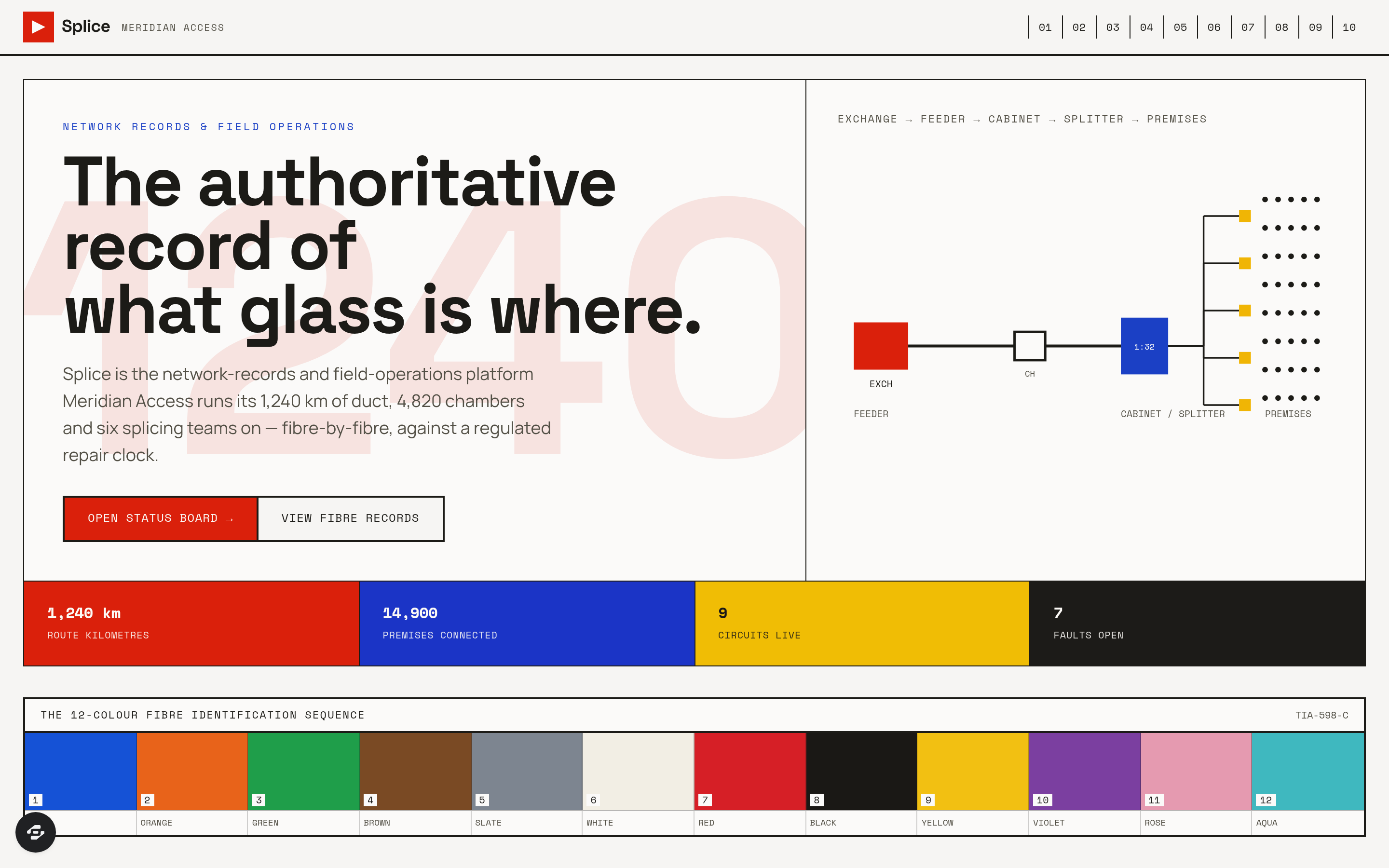
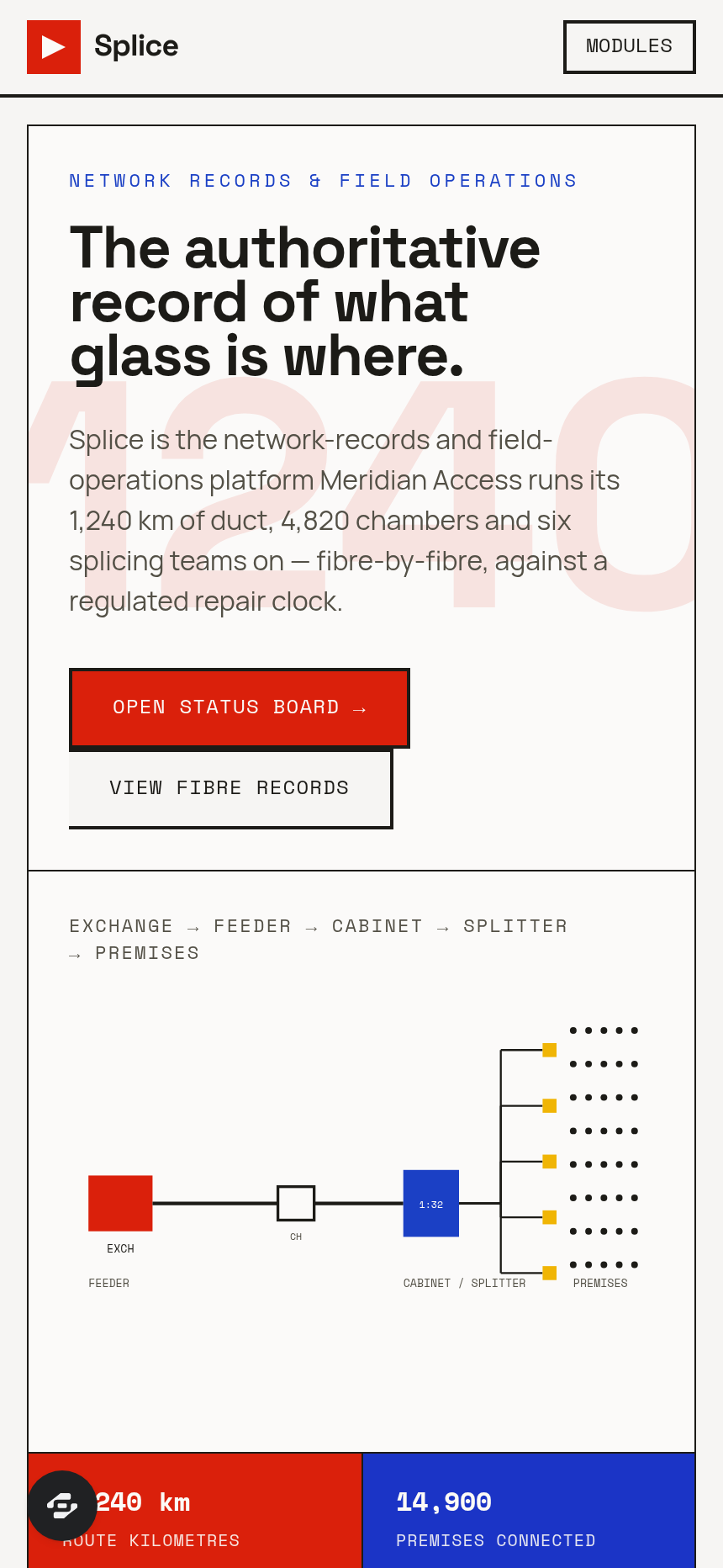
Splice is a network-records and field-operations platform for regional fibre-optic access network operators.
About this template
Overview
Splice is a network-records and field-operations platform for regional fibre-optic access network operators. It tracks 1,240 route kilometres of duct, 38,400 premises passed and 14,900 connected across nine exchanges, 214 street cabinets, 4,820 jointing chambers and six splicing teams, with real-time visibility into faults and works against a regulated repair clock.
What you get
- Status Board showing every fault and works item: reference, type (fibre break, chamber flooded, cabinet power loss, planned works, third-party dig strike), route section, premises affected, circuits down by service class, OTDR-measured distance to break, team dispatched with ETA, and elapsed time against repair clock with headroom remaining
- Hard flags for SLA BREACH IMMINENT, NO PERMIT, TEAM UNASSIGNED, WAYLEAVE MISSING and CORE EXHAUSTED
- Cable and duct records with fibre counts, sheath against optical length and remaining ways free
- Fibre-by-fibre splice register: every closure, tray and fibre with A-end and B-end assignment, measured splice loss against 0.10 dB threshold and jointer identification
- Optical budgets and OTDR results at 1310, 1490 and 1550 nanometres adjudicated PASS, MARGINAL or FAIL
- Exchanges, cabinets and splitters with ODF capacity, OLT ports lit and split ratios
- Chamber records with duct occupancy, standing water and confined-space classification
- Wayleaves and street-works permits with reinstatement standards and guarantee periods
- Build programme tracking premises passed against target and cost per premises
- Teams, vans, fusion splicers and OTDRs with arc counts and calibration expiries
- Wholesale portal for service providers showing live circuits and optical margin, faults with regulated clock running, availability against contract, provisioning pipeline and serviceability lookup
- Traffic-management permit state tracking
The signature screen
The Status Board is the central working surface, displaying every fault and works item as a dense row. It shows reference, type, route section, premises affected, circuits down by service class, OTDR-measured distance to break in metres, team dispatched with ETA, elapsed time against the regulated repair clock with headroom remaining, and traffic-management permit state, alongside hard flags for critical conditions like SLA breach, missing permits, unassigned teams and wayleaves.
Who it's for
Splice is built for regional fibre-optic access network operators and their service provider partners who need to manage repairs and field operations against regulatory repair clocks and SLA commitments.
Frequently asked questions
What is the Splice template?
Who is the Splice template for?
How long does it take to build an app with the Splice template?
Do I need to code to use the Splice template?
How much does the Splice template cost?
Can I customize the Splice template?
Review current pricing and the template inspection guide before you start.
Related templates
 Utilities
Homestead
Never miss a filter, a flush, or a fall cleanup.
 Utilities
Sundry
Every possession, catalogued and covered.
 Utilities
Voltworks
Quote it. Weld it. Get paid. Run your whole shop like a shop drawing.
 Utilities
Toolbelt
Run the whole day from one board.
Make this template your starting point.
Inspect the preview, plan your changes, and test the workflow before you share it.
Use this template