

Retention
Retention is a records office's complete working system for managing information governance — tracking every record series, how long it is kept, under what legal citation, and documenting the authorized destruction or transfer that proves compliance.
About this template
Overview
Retention is a records office's complete working system for managing information governance — tracking every record series, how long it is kept, under what legal citation, and documenting the authorized destruction or transfer that proves compliance. It serves as the authoritative record of what the organization retains, what leaves the building lawfully, and who signed for it.
What you get
- Retention Schedule listing each record series with its code, title, business function, retention trigger (date of creation, end of financial year, date of last action, contract expiry, date of birth plus twenty-five years), retention period, statutory citation, and disposition (DESTROY, TRANSFER TO ARCHIVE, REVIEW or PERMANENT)
- Accession register recording transfers into the repository with accession number, transferring department, date received, extent in linear metres and box count, box range, shelf locations and condition on receipt
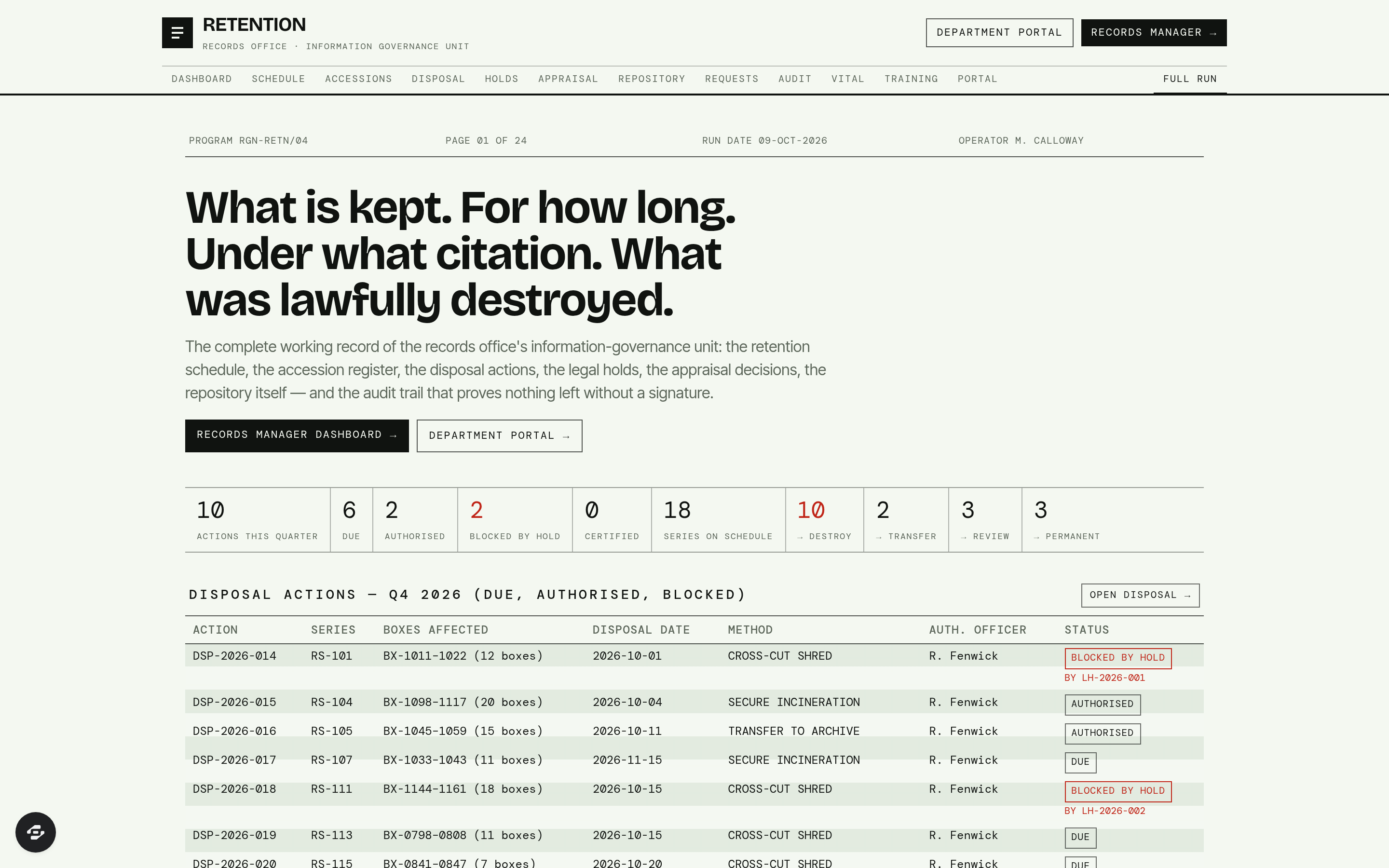
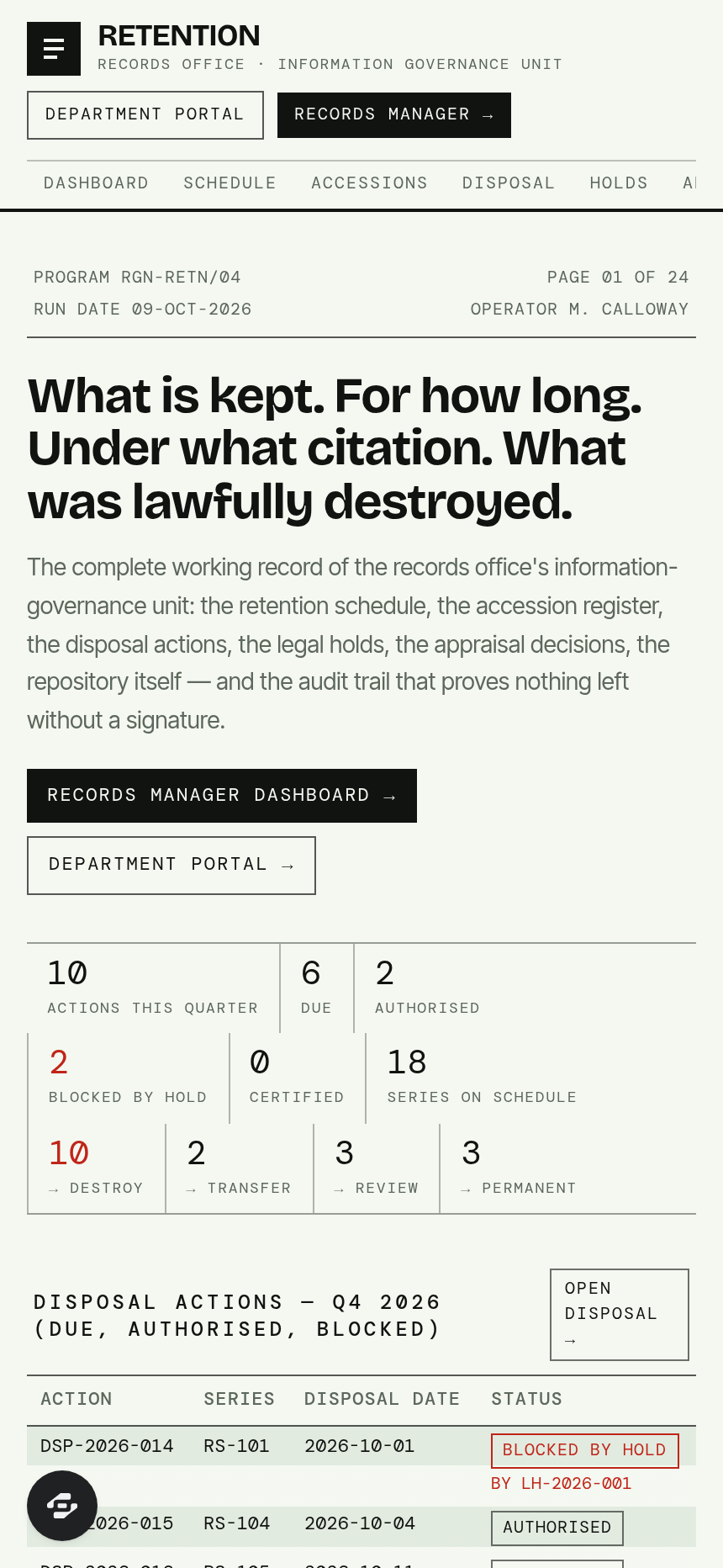
- Disposal actions for the quarter showing boxes affected, computed disposal date, authorising officer, method (CROSS-CUT SHRED, SECURE INCINERATION, CERTIFIED DIGITAL WIPE, TRANSFER TO ARCHIVE), certificate number and status (DUE, AUTHORISED, EXECUTED, CERTIFIED or BLOCKED BY HOLD)
- Legal holds tied to matter and instructing authority, with series and box ranges frozen, review date and visible blocking of affected disposal rows
- Appraisal decisions assessing each series against selection criteria, with value, sampling method, percentage retained and signature
- Repository shelf elevation by bay and range showing occupied linear metres against capacity, with temperature and relative humidity readings against storage standard
- Access requests with statutory response clock, exemptions applied and outcome (RELEASED IN FULL, RELEASED IN PART, WITHHELD or NOT HELD)
- Immutable audit trail naming who authorised, executed and witnessed every disposal and hold, with certificate reference
- Vital records designated business-critical with off-site duplication verified against required interval
- Departmental training compliance, transfer accuracy at accession and unscheduled material tracking
- Departmental portal showing each department's own series, disposals due, outstanding transfers and holds affecting them
- Records manager dashboard showing linear metres against capacity, disposals due against disposals certified, holds in force and oldest request on statutory clock
The signature screen
The Retention Schedule is the instrument itself: every record series displayed with its series code, title, the business function it supports, the retention trigger that starts the clock, the retention period, the statutory or regulatory citation that sets it, and the disposition waiting at the end. This screen is the authority on what is retained, under which citation, and what is lawfully destroyed.
Who it's for
Public records offices and information-governance units that decide how long every record series in the organization is kept, what happens at the end of that period, and who signed for its destruction. Departments requiring visibility of their own series, disposals due, outstanding transfers and holds also access a dedicated portal.
Frequently asked questions
What is the Retention template?
Who is the Retention template for?
How long does it take to build an app with the Retention template?
Do I need to code to use the Retention template?
How much does the Retention template cost?
Can I customize the Retention template?
Review current pricing and the template inspection guide before you start.
Related templates
 Productivity
Synapse
A networked second brain for writers, researchers & founders.
 Productivity
Momentum
Ninety days. One clear target. Every day counts.
 Productivity
Satchel
Every client, onboarded without the chase.
 Productivity
Clockwork
Every hour, accounted for.
Make this template your starting point.
Inspect the preview, plan your changes, and test the workflow before you share it.
Use this template