

Limber
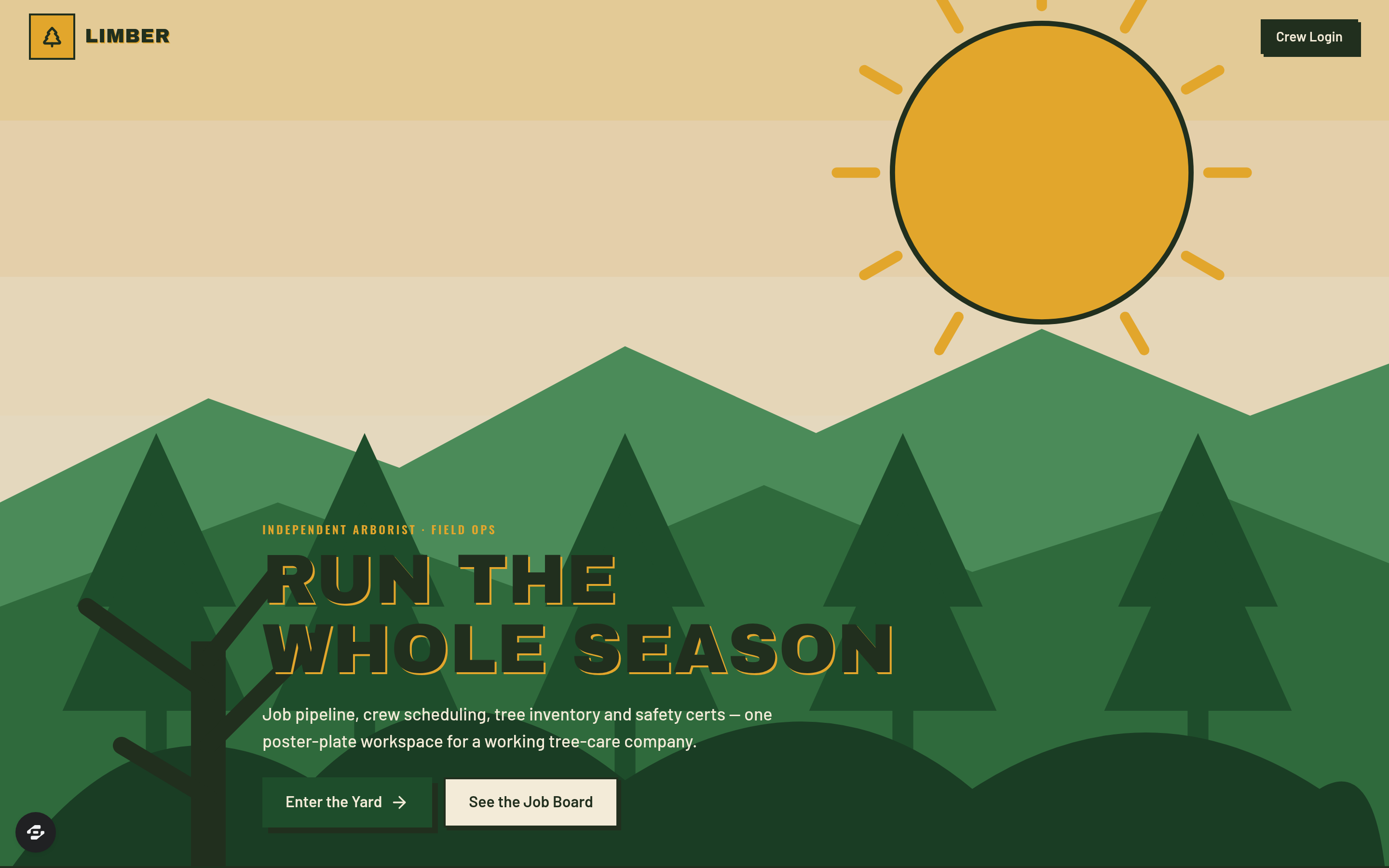
Limber is a complete job and crew management platform for independent arborists and tree-care companies.
About this template
Overview
Limber is a complete job and crew management platform for independent arborists and tree-care companies. It moves every job through a seven-stage board, tracks crews and equipment, maintains tree inventories with risk ratings, manages certifications and training, and gives clients a portal to view their trees and work history.
What you get
- Seven-stage job board (Estimate Requested, Site Visit, Quoted, Approved, Scheduled, In Progress, Invoiced)
- Job cards with property address, job type, species, DBH, and hazard flags
- Line-itemed quotes with hazard surcharges, debris haul, and stump-grind add-ons
- Weekly crew and equipment scheduling with weather holds and double-booking alerts
- Per-property tree inventory with condition and TRAQ-style risk ratings
- Credential tracking for ISA Certified Arborists and TRAQ certifications with expiry alerts
- Training records for chainsaw and aerial-rescue work and daily safety briefings
- Full client service history with seasonal reminder flags
- Client portal for trees, estimate approvals, upcoming work, and invoices
The signature screen
The job board is the central hub, displaying every job as it moves through the seven stages from estimate request to invoice. Each card shows the property address, job type (removal, crown reduction, deadwood pruning, stump grind, cabling, emergency storm work), species and DBH, and flags for service lines, structures, and decay hazards. This view lets teams see the entire workflow at a glance.
Who it's for
Independent arborists and tree-care companies that need to manage estimates, crews, equipment, certifications, and client relationships across a full season of work.
Frequently asked questions
What is the Limber template?
Who is the Limber template for?
How long does it take to build an app with the Limber template?
Do I need to code to use the Limber template?
How much does the Limber template cost?
Can I customize the Limber template?
Review current pricing and the template inspection guide before you start.
Related templates
 Business
Blueprint
Contractor sales pipeline that lives on the job site
 Business
Mandate
High-ticket executive coaching, built to close.
 Business
Bossbabe: Booked-Out Studio
A client-booking app for coaches + service providers, running on rhythms — editorial feminine-luxe.
 Business
Voyage
Curated journeys, planned just for you.
Make this template your starting point.
Inspect the preview, plan your changes, and test the workflow before you share it.
Use this template