

Lapline
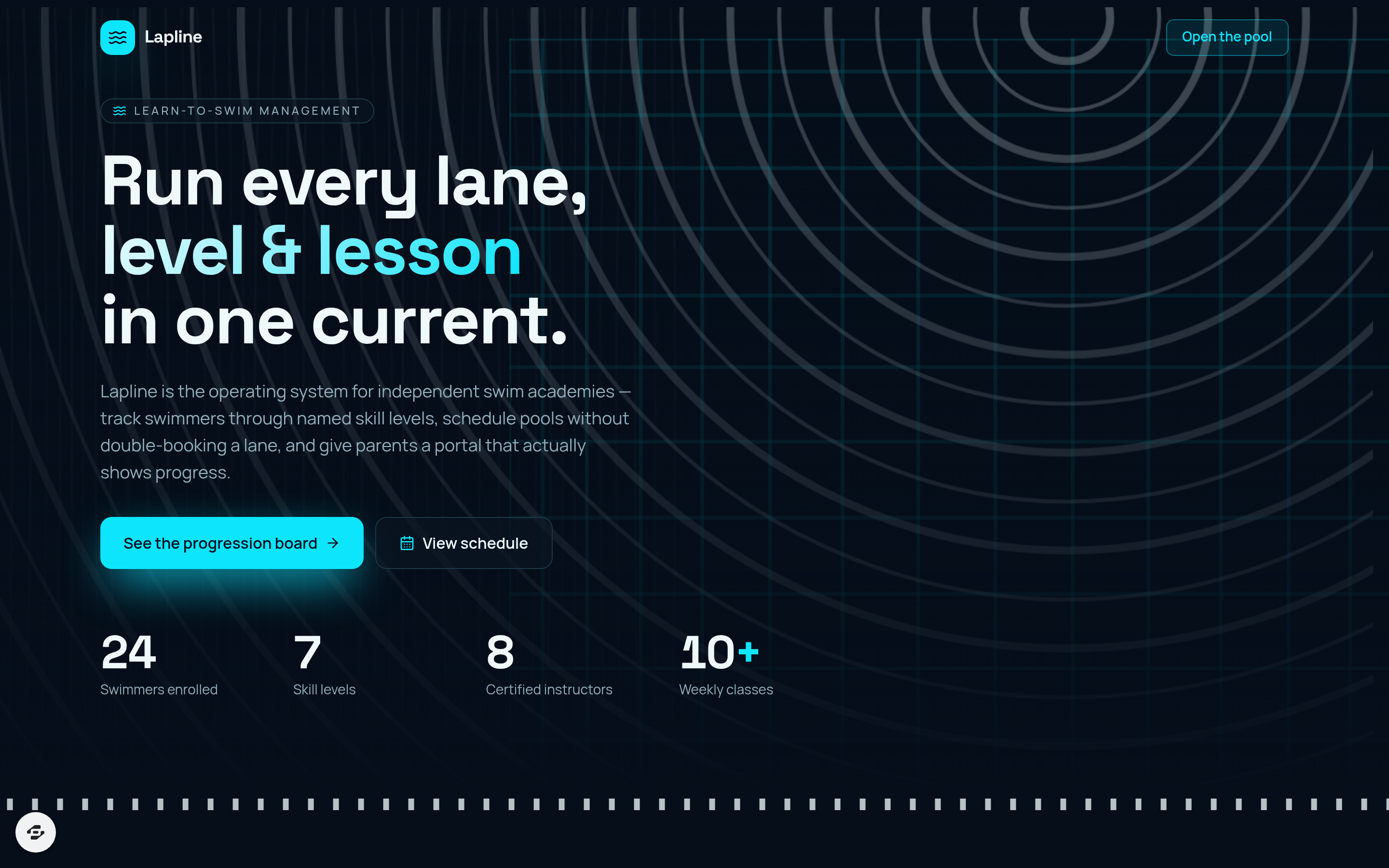
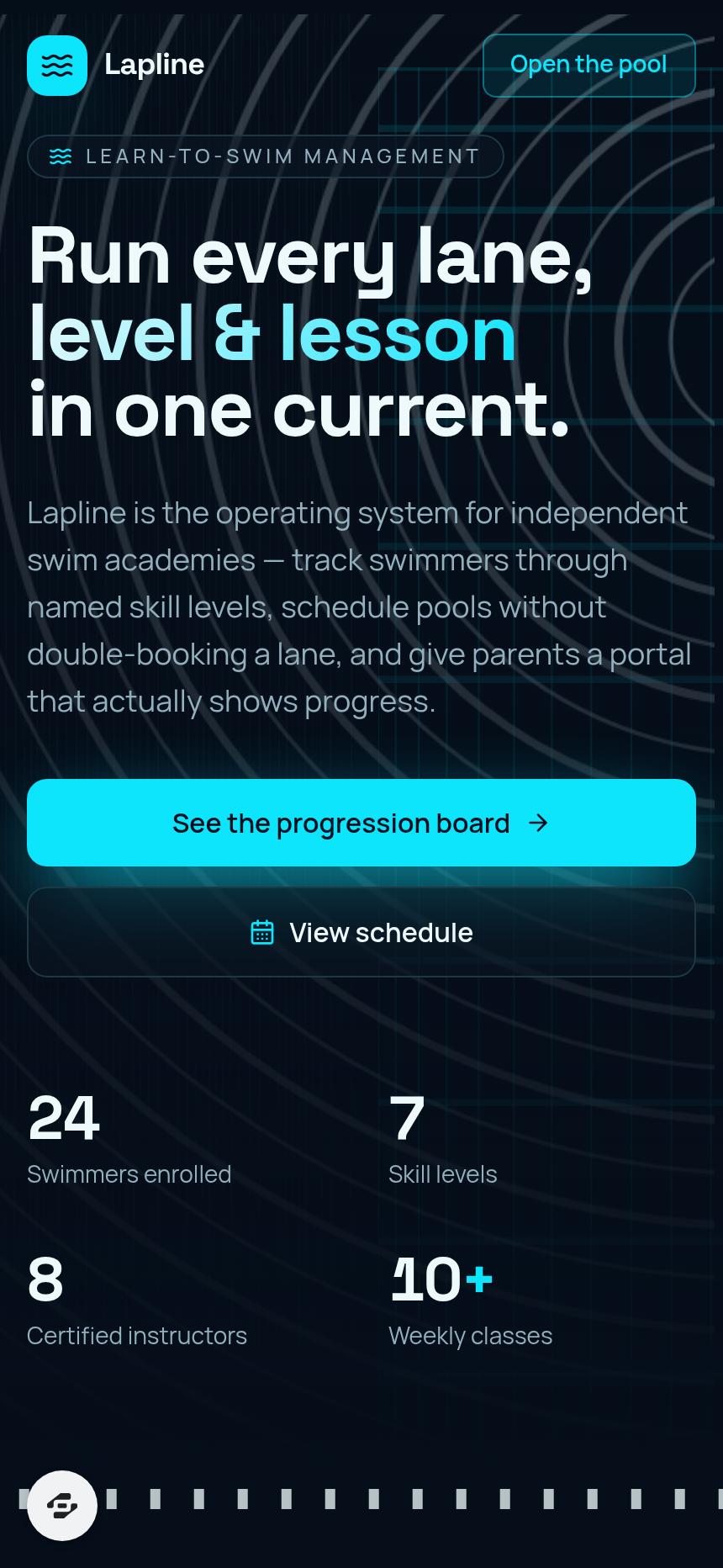
Lapline is a management platform for independent swim academies and community learn-to-swim programs.
About this template
Overview
Lapline is a management platform for independent swim academies and community learn-to-swim programs. It moves every enrolled swimmer through named skill levels on a progression board, schedules classes by pool and lane, tracks attendance and makeups, manages instructor certifications, sells lesson packages, and gives parents a portal to view their swimmer's progress.
What you get
- Level-progression board with named skill levels (Starfish, Guppy, Turtle, Stingray, Dolphin, Shark, Stroke School)
- Swimmer cards carrying per-skill checklists and level-up actions
- Class scheduling by pool and lane with double-booking and lane-capacity conflict warnings
- Attendance tracking on class rosters
- Makeup credit and waitlist management
- Instructor management with Lifeguard, CPR, and WSI certification tracking and expiry alerts
- Lesson package sales and balance tracking
- Parent portal showing each swimmer's level, next-skill checklist, upcoming classes, and makeup credits
The signature screen
The level-progression board is the central hub where each swimmer card displays their current skill level and per-skill checklist, with a level-up action ready to move them forward. Instructors and administrators use it to monitor every enrolled swimmer's advancement through the named levels and make promotion decisions at a glance.
Who it's for
Independent swim academies and community learn-to-swim programs that need to manage multiple swimmers, instructors, pool resources, and parent communication in one place.
Frequently asked questions
What is the Lapline template?
Who is the Lapline template for?
How long does it take to build an app with the Lapline template?
Do I need to code to use the Lapline template?
How much does the Lapline template cost?
Can I customize the Lapline template?
Review current pricing and the template inspection guide before you start.
Related templates
 Education
Chalkline
From permit to license, one lesson at a time.
 Education
Trivium
Every family, every subject, one schedule.
 Education
Quill
Lessons scheduled, progress tracked, recitals ready.
 Education
Streak
Gamified SAT bootcamp that turns score gains into a streak
Make this template your starting point.
Inspect the preview, plan your changes, and test the workflow before you share it.
Use this template