

Lamplight
Lamplight is the asset and fault-management platform a borough's street-lighting department runs on. It tracks every column in the network, the faults raised against them, night patrols, inventory, energy accounts, and resident reports—all in one register.
About this template
Overview
Lamplight is the asset and fault-management platform a borough's street-lighting department runs on. It tracks every column in the network, the faults raised against them, night patrols, inventory, energy accounts, and resident reports—all in one register.
What you get
- Column register with asset number, street, column type, height, lamp type, wattage, install date, inspection and structural-test dates
- Fault tickets with priority and SLA clocks
- Night-scout patrol runs that log dark lamps
- Lantern, LED-gear and photocell store with issue-to-crew logs and reorder levels
- Metered and unmetered energy accounts tracking kWh, cost, CO2 and LED-conversion savings
- Resident portal for reporting a dark lamp by column number and tracking it
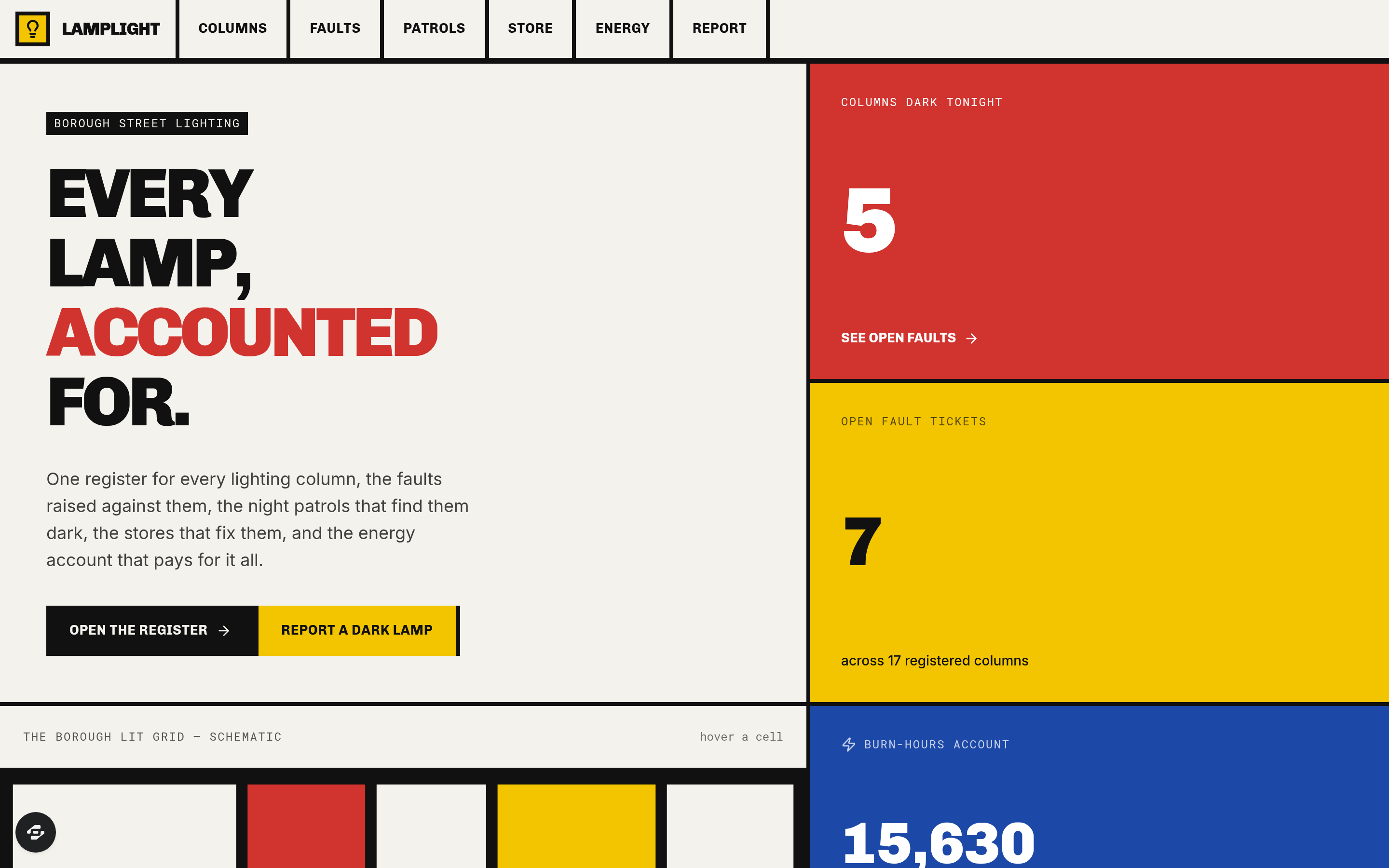
- Live count of columns dark tonight
The signature screen
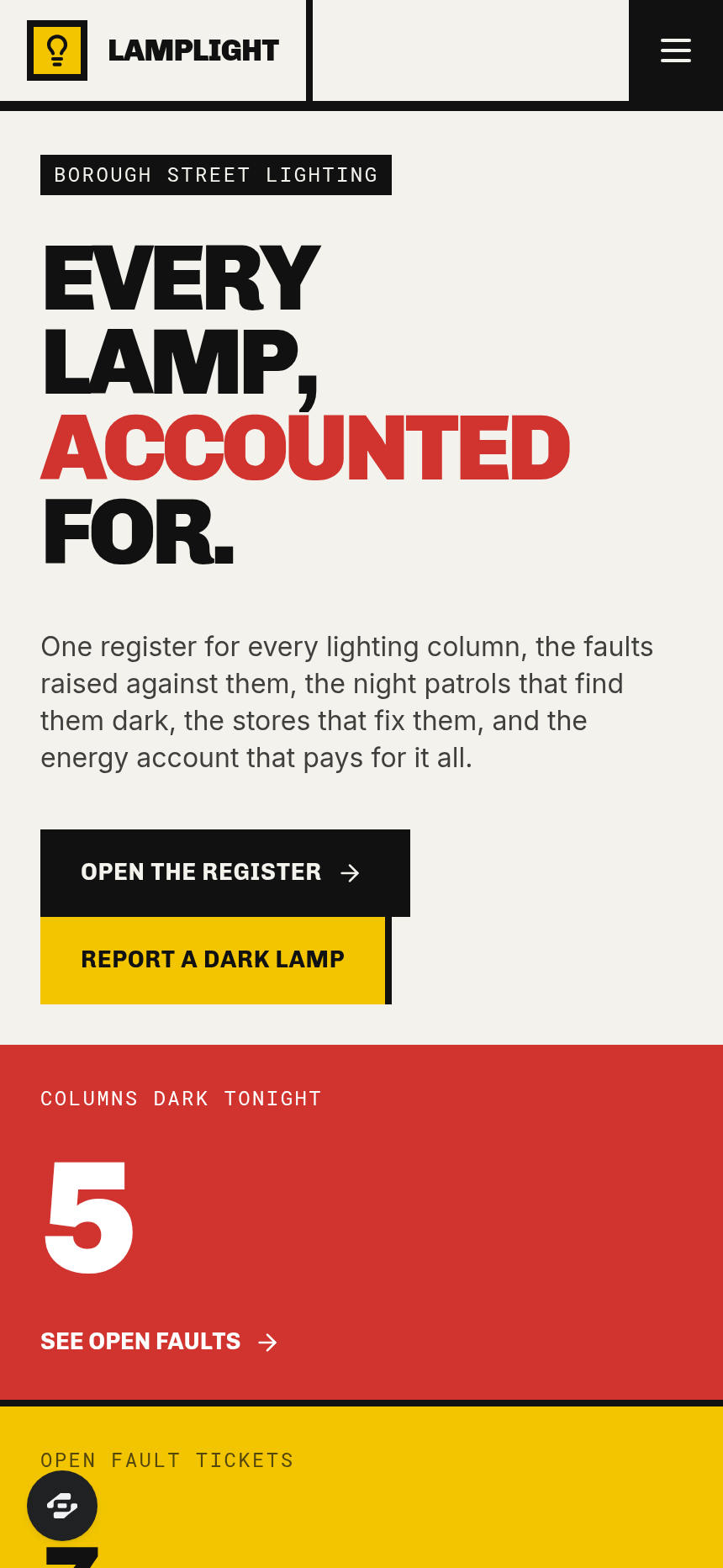
The interface is designed as a De Stijl composition—thick black orthogonal rules, asymmetric rectangles, and flat primary red, blue and yellow fields on an off-white ground—with an SVG schematic of the borough's lit grid. The live count of the columns dark tonight appears as the signature figure on this main view.
Who it's for
Street-lighting departments in boroughs managing public lighting infrastructure, asset records, fault response and energy use.
Frequently asked questions
What is the Lamplight template?
Who is the Lamplight template for?
How long does it take to build an app with the Lamplight template?
Do I need to code to use the Lamplight template?
How much does the Lamplight template cost?
Can I customize the Lamplight template?
Review current pricing and the template inspection guide before you start.
Related templates
 Utilities
Homestead
Never miss a filter, a flush, or a fall cleanup.
 Utilities
Sundry
Every possession, catalogued and covered.
 Utilities
Voltworks
Quote it. Weld it. Get paid. Run your whole shop like a shop drawing.
 Utilities
Toolbelt
Run the whole day from one board.
Make this template your starting point.
Inspect the preview, plan your changes, and test the workflow before you share it.
Use this template